Your Digital Signage and Corporate TV, right in the TV's browser. Professional scalability without the hassle.
Manage one TV or an entire network with no extra hardware. The player runs in the browser of compatible Smart TVs and keeps showing saved content even when the internet is unstable.
The problem isn't the first screen. It's the second.
Scattered files, manual updates, and black screens. Scaling without a professional system is a recipe for chaos.
Operational Chaos
USB drives and outdated files.
Scaling Difficulty
Impossible to manage 10 screens manually.
One dashboard to create, organize, and publish.
Centralize your operation and eliminate manual work.
Robust Infrastructure.
Built to keep your screens playing, even when the internet drops.
Visual Organization
Manage campaign playlists and schedules easily. Drag to reorder.
Continuous Playback
The player stores content on the TV and keeps playing when the internet drops.
No Extra Hardware
Save on hardware: use the compatible Smart TVs you already have, with no mini-PC or TV box.
Multi-Account
Ideal for agencies: manage multiple clients from one login.
Professional Templates
Not a designer? Start with ready-made layouts for retail, corporate, and clinics.
Smart Scheduling
Set date and time for each campaign. The TV switches content automatically.
Solutions by industry
Find an application that matches your day-to-day work
Each page covers content, objections, and operating models specific to that industry.
Indoor media
Manage campaigns across multiple locations.
View the solution for this industryCorporate TV
Bring notices and metrics to your teams.
View the solution for this industryGyms
Promote classes, services, and partners.
View the solution for this industrySupermarkets
Present store offers and campaigns.
View the solution for this industryRestaurants
Update menu boards and visual highlights.
View the solution for this industryClinics and medical practices
Keep patients informed throughout the waiting area.
View the solution for this industrySchools and education
Share notices, schedules, and projects across campus.
View the solution for this industryHotels and guesthouses
Guide guests from reception to shared spaces.
View the solution for this industryRetail stores and franchises
Coordinate campaigns across stores and franchise locations.
View the solution for this industryChurches and congregations
Communicate schedules, notices, and community projects.
View the solution for this industrySalons and barbershops
Present services, care guidance, and promotions.
View the solution for this industryCar dealerships and auto parts
Showcase vehicles, services, and showroom campaigns.
View the solution for this industrySee FullViewUp working in practice
The examples below use the same templates available in the product. The content changes, while operations remain simple and centralized.
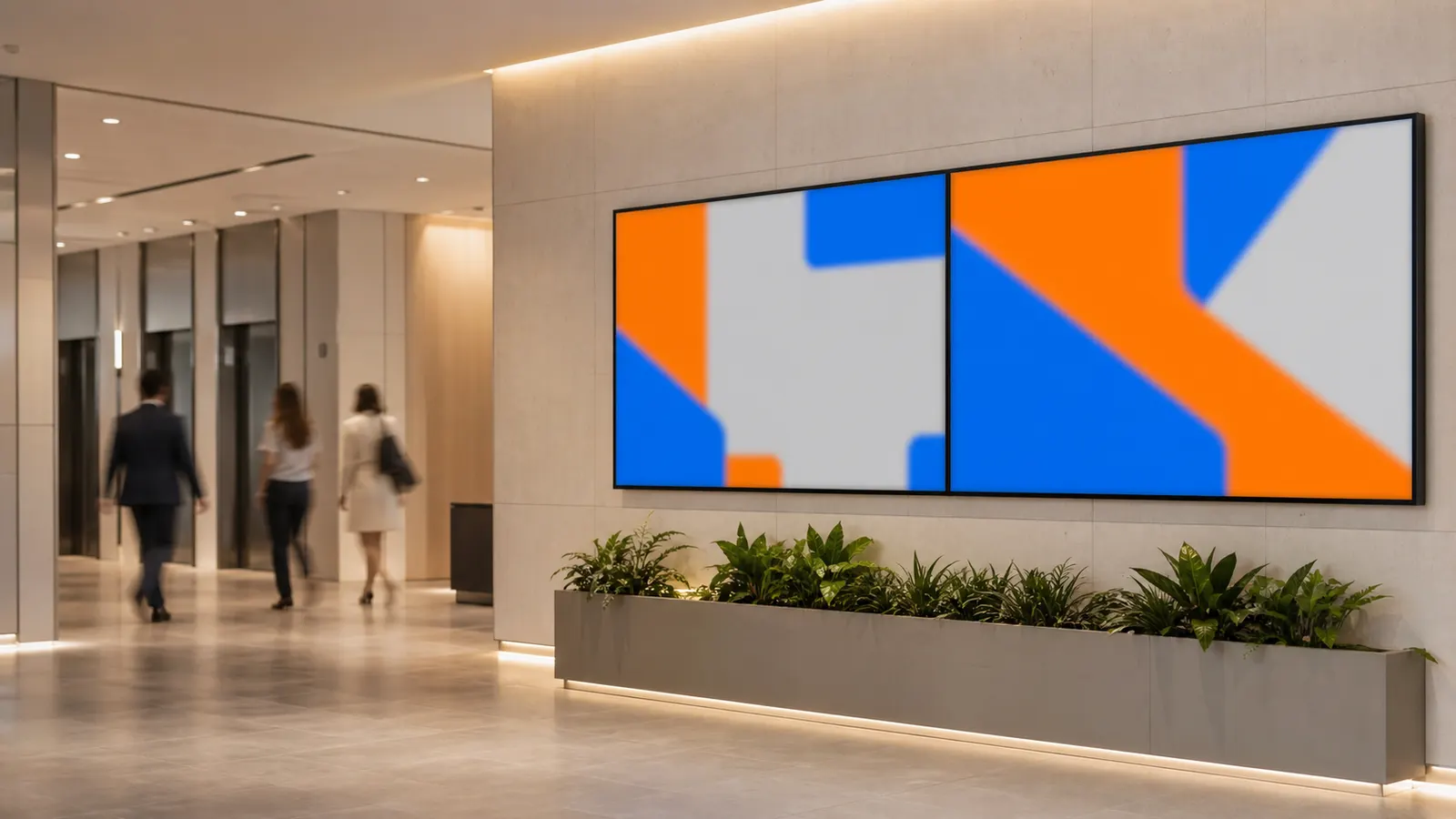
Powerful Digital Signage
Engage your audience with news, alerts, and promotions on the screen's ticker bar.
Grow without budget surprises.
Flexible plans that scale with your business.
Bronze
Free
Start for freeNo credit card requiredOxygen
Consult
CustomizeEach playlist initially supports up to 150 MiB of combined media for screen stability and caching. Custom extensions are available on the Oxygen plan.
Frequently Asked Questions
Have questions? We have answers.
Do I need to buy any extra hardware or a mini-PC?
Usually not. The player runs in the browser of compatible Smart TVs, with no mini-PC and no installation. Compatibility depends on the model and browser of the device: test it on the TV you plan to use before expanding your network.
What happens if the internet goes down? Does my screen go black?
The system is resilient. If the connection drops, the player keeps showing the content already saved in the browser and the screen does not go black. To receive a new publication — prices, campaigns, or schedules — the TV needs a connection.
I already have screens running another system. is it hard to switch?
On a compatible TV there is no USB installation: FullViewUp runs in the browser. In the TV browser, go to fullviewup.com/display, enter the code it shows in the dashboard (or via the QR code) and confirm the destination. The TV itself confirms the connection, and the player confirms the first display of the content.
How does billing work?
We offer flexible monthly plans securely processed by Stripe. You can start with the Free plan for 1 screen and upgrade as your network grows.
Can I control screens in different branches or cities?
Yes. The platform is cloud-based. You create a "Channel" (e.g., "Winter Showcase") and publish. The screens connected to that channel receive the new schedule while they are online, whether they are down the street or in another state.
I have a large network (50+ screens). Is there specialized support?
Yes. The Oxygen plan is built for large networks: limits set for your network, volume-based commercial terms and direct service, with response times set in the contract.
Can I use the TV vertically (portrait mode)?
Yes! FullViewUp natively supports horizontal (16:9) and vertical (9:16) layouts. Perfect for digital menu boards and mall totems.
Can I display news on the screen?
Yes, on paid plans. The bottom bar can show headlines from an RSS feed or your own messages (up to 500 characters). Headlines are fetched when the player loads the program, and you keep the screen alive without producing new artwork all the time. On Bronze, the bar shows the FullViewUp brand.
Can I schedule content for specific times?
Yes, from the Silver plan. Set campaigns to run only during "Lunch" (11 AM to 2 PM), on specific days (Mon-Fri), or on seasonal dates (Christmas, Black Friday). Schedule your entire year and let the system do the work. On Bronze, the schedule stays on air 24 hours a day.