Indoor media and screen networks

Indoor media management for campaigns across multiple screens

Create campaigns, assign them to channels, and schedule playback from one dashboard. Each connected screen receives the program for its location without USB drives or a dedicated computer. The player runs in the browser of your compatible Smart TV, with no TV box.

Test one screen free, no card required, and get it running in about 5 minutes. FullViewUp distributes content; selling ads remains your responsibility.

A sample of what your locations can display

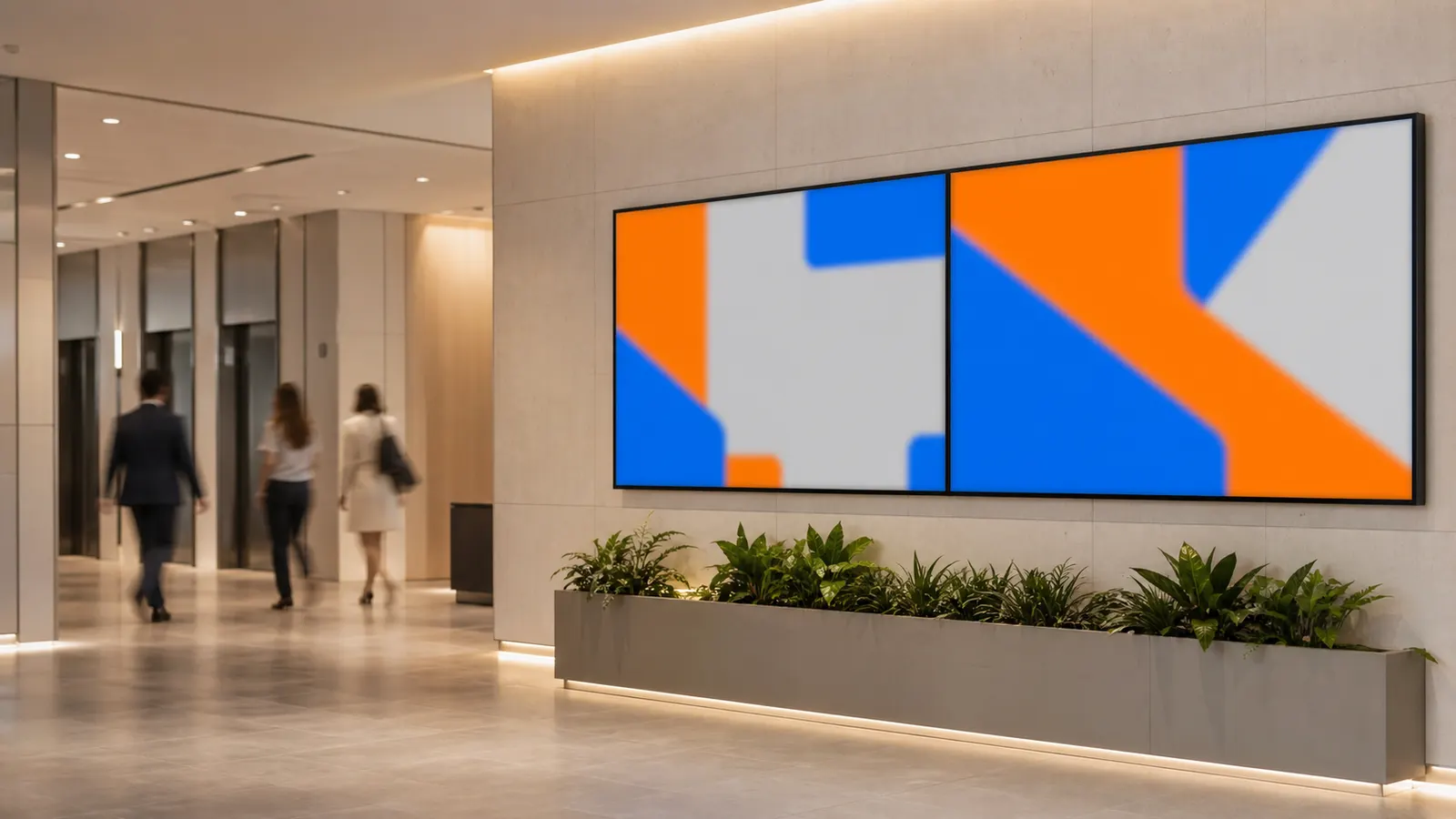
These five examples use real FullViewUp templates and illustrative data. Your operation controls the campaign, sequence, and channel.

Institutional campaign distributed across indoor locations
YOUR CAMPAIGN AT EVERY LOCATION
Institutional campaign distributed across indoor locations

The network can grow without multiplying manual work

Centralized programming reduces travel, conflicting versions, and uncertainty about what each location is displaying.

Location-by-location updates

Before

Every change requires sending a file, guiding someone on site, or carrying a USB drive around. A small correction becomes a chain of messages and visits.

With FullViewUp

The team edits the campaign in the dashboard and publishes it to the right channel. Connected screens receive the new programming without manual work at every address.

Campaigns mixed together

Before

Advertiser assets, local notices, and institutional content sit in scattered folders with no clear playback order.

With FullViewUp

Slides form campaigns, and campaigns feed channels. The operator can separate messages by audience, location, or purpose.

Schedules managed from memory

Before

A promotion remains on screen after its deadline or a notice appears outside the agreed period because someone forgot to remove it.

With FullViewUp

Scheduling defines dates, days, and times. Programming changes according to those rules instead of relying on external reminders.

Get started without complexity

From creation to the TV in three steps

Manage communications in one dashboard and publish without carrying USB drives between locations.

  1. 01

    Create the content

    Choose a template, add text and images, and review the composition before publishing it.

  2. 02

    Organize the schedule

    Group slides into campaigns and choose the channels, dates, and times when each message should appear.

  3. 03

    Connect and update

    Open the player in a compatible TV browser, pair the code, and start managing content from the dashboard.

What to display across an indoor media network

Combine useful information for people at the venue with commercial placements that fit the audience at that specific location.

1

Advertiser campaigns

Run approved creative from local partners and organize the sequence according to the commercial terms of each campaign.

2

Venue notices

Share maintenance updates, usage rules, access changes, and other useful information for visitors, residents, or employees.

3

Services nearby

Give relevant local businesses space in the schedule without turning the entire playlist into an uninterrupted series of offers.

4

Events and schedules

Schedule fairs, meetings, seasonal activities, and key dates so they appear only while the information is still current.

5

Institutional content

Explain the network proposition, present contact channels, and reinforce the visual identity between commercial campaigns.

6

News and short messages

Use concise headlines and an information ticker when an appropriate source exists, keeping text readable within the viewing time.

Less infrastructure

Use the compatible TV your business already owns

FullViewUp centralizes management in the browser and reduces manual work without promising integrations that are not part of the product.

No mandatory dedicated device

On compatible Smart TVs, the player opens in the browser. You do not need to add a computer to every screen.

Cached content

Once loaded, the schedule remains available during temporary connection issues. Internet access is still required for updates.

Centralized management

One account organizes screens, campaigns, channels, and schedules, including locations at different addresses.

Distributed operations

One dashboard for locations with different programming

Group screens by channel and combine shared with location-specific campaigns. Run national, regional, and local communication without duplicating the entire workflow. With no TV box at each location, the network can cost a fraction of the price of international platforms.

  • Channels separated by client, region, or venue type
  • Campaigns scheduled by date, day of the week, and time
  • Remote access without traveling to replace files
  • Scalable plans for networks that outgrow the initial setup
Discuss my screen network

Questions about indoor media networks

Straight answers about installation, segmentation, and continuity of your programming.

Do I need a TV box or computer at every indoor media location?

Not as a rule. On a compatible Smart TV, the player runs in the browser. Confirm compatibility with the models used by your network before a large-scale rollout.

How can I show different campaigns at different locations?

Yes. Channels determine which programming reaches each screen. You can reuse one campaign across several locations or maintain a dedicated schedule for a specific address.

Does indoor media keep running when the internet is unstable?

Previously loaded content remains cached and can continue playing during a temporary connection issue. Internet access is required to receive changes and download new media.

Does the indoor media system also sell ads?

No. The system organizes and distributes content for your operation. Prospecting, negotiation, and creative approval remain the responsibility of the network operator.

How much does it cost to manage dozens of indoor media screens?

Yes. Published plans cover different screen counts, and larger operations can request a custom commercial proposal. Sizing depends on the number of locations and how the network will be used.

Ready to put your communication on screen?

Explore the plans in the official app or create your account to get started.